
Image Resizer
Upload your image and adjust width, height, or percentage with aspect ratio lock and live preview.
Upload your image
Drag and drop or browse a file
Image Resizer Tool – Resize Images Online with Precise Dimensions and Aspect Ratio Control
Welcome to the Image Resizer by FrontendBaba — the fastest and simplest way to resize images online with full control over dimensions, aspect ratio, and output format. Whether you’re optimizing images for web, social media, or design projects, this tool gives you instant, high-quality results directly in your browser.
What is an Image Resizer?
An image resizer allows you to change the dimensions of an image while maintaining its quality and proportion. It’s perfect for reducing file sizes, adjusting image ratios for banners, or preparing visuals for different screen sizes.
The FrontendBaba Image Resizer Tool lets you define exact width and height values, resize by percentage, lock or unlock the aspect ratio, and export in multiple formats — all with a live preview.
Image Resizer Tool in Action
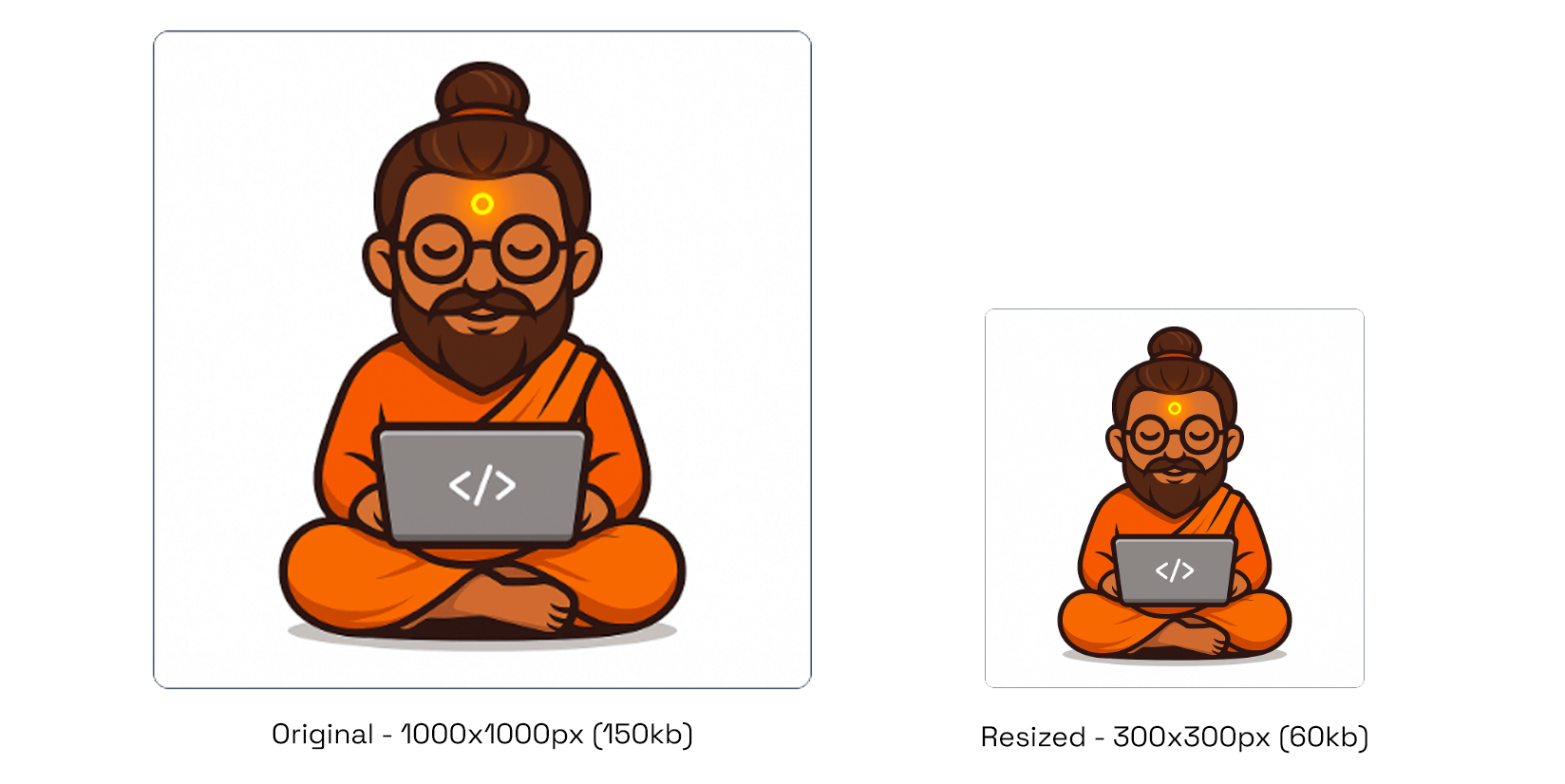
Resize your image with perfect proportions and clarity.
What Our Image Resizer Tool Can Do
- Custom Dimensions – enter exact width and height in pixels or percentages, with optional aspect ratio lock.
- Multi-Format Export – save resized images as JPEG, PNG, WebP, or AVIF with automatic background handling.
- Instant Preview – see real-time resizing updates before downloading.
- Optimized Output – get crisp, high-quality results without losing image clarity.
- Supports transparent and non-transparent images seamlessly.
Why Use FrontendBaba’s Image Resizer?
- Completely Free – no login, watermark, or hidden limits.
- Works directly in your browser — fast, private, and secure.
- Designed for developers, designers, and content creators.
- Perfect for web images, app thumbnails, and social media graphics.
- Combine with other FrontendBaba Image Tools like Cropper, Compressor, and Format Converter for complete image control.
When to Use the Image Resizer Tool
- To resize large images for websites or email optimization.
- When preparing visuals for social media, UI design, or product listings.
- To ensure consistent dimensions across image sets or mockups.
- Anytime you need fast, accurate resizing without professional software.
The Image Resizer Tool by FrontendBaba makes resizing effortless — precise, high-quality, and 100% browser-based.
Frequently asked questions
Can I resize HEIC images?
Yes. HEIC and HEIF uploads are converted locally in your browser and can then be resized and exported in a web-friendly format.
Can I resize an image to exact dimensions?
Yes. Enter the required width and height in pixels or resize by percentage.
How do fit, crop, and stretch modes differ?
Fit keeps the complete image inside the target size, crop fills the target and trims overflow, and stretch forces the exact dimensions.
Can I preserve the original aspect ratio?
Yes. Keep the ratio locked to update width and height together, or unlock it for independent dimensions.
Which output formats are available?
You can keep the original format or select JPEG, PNG, WebP, or AVIF where supported by your browser.
Is resizing done privately?
Yes. The image is resized locally with your browser canvas and is not sent to the FrontendBaba server.





Support FrontendBaba
Enjoying these free tools?
A small coffee helps me maintain the tools and build useful new ones.