
Image Compressor
Upload JPG, PNG, WebP, AVIF, or HEIC images and download optimized versions instantly.
Upload your images
Drag and drop or browse files
Image Compressor Tool – Compress Images Without Losing Quality
Welcome to the Image Compressor by FrontendBaba — a fast and reliable tool to reduce your image size while maintaining high visual quality. Whether you’re optimizing photos for websites, apps, or social media, this tool delivers lightweight, web-ready images without compromising sharpness or color accuracy.
What is an Image Compressor?
An image compressor reduces the file size of an image by optimizing its data — keeping the same dimensions and visual appearance while using less storage space. It helps improve website loading speed, save bandwidth, and enhance performance without affecting quality.
The FrontendBaba Image Compressor Tool uses smart compression algorithms to shrink images efficiently, offering quick previews and instant downloads right in your browser.
Image Compressor Tool in Action
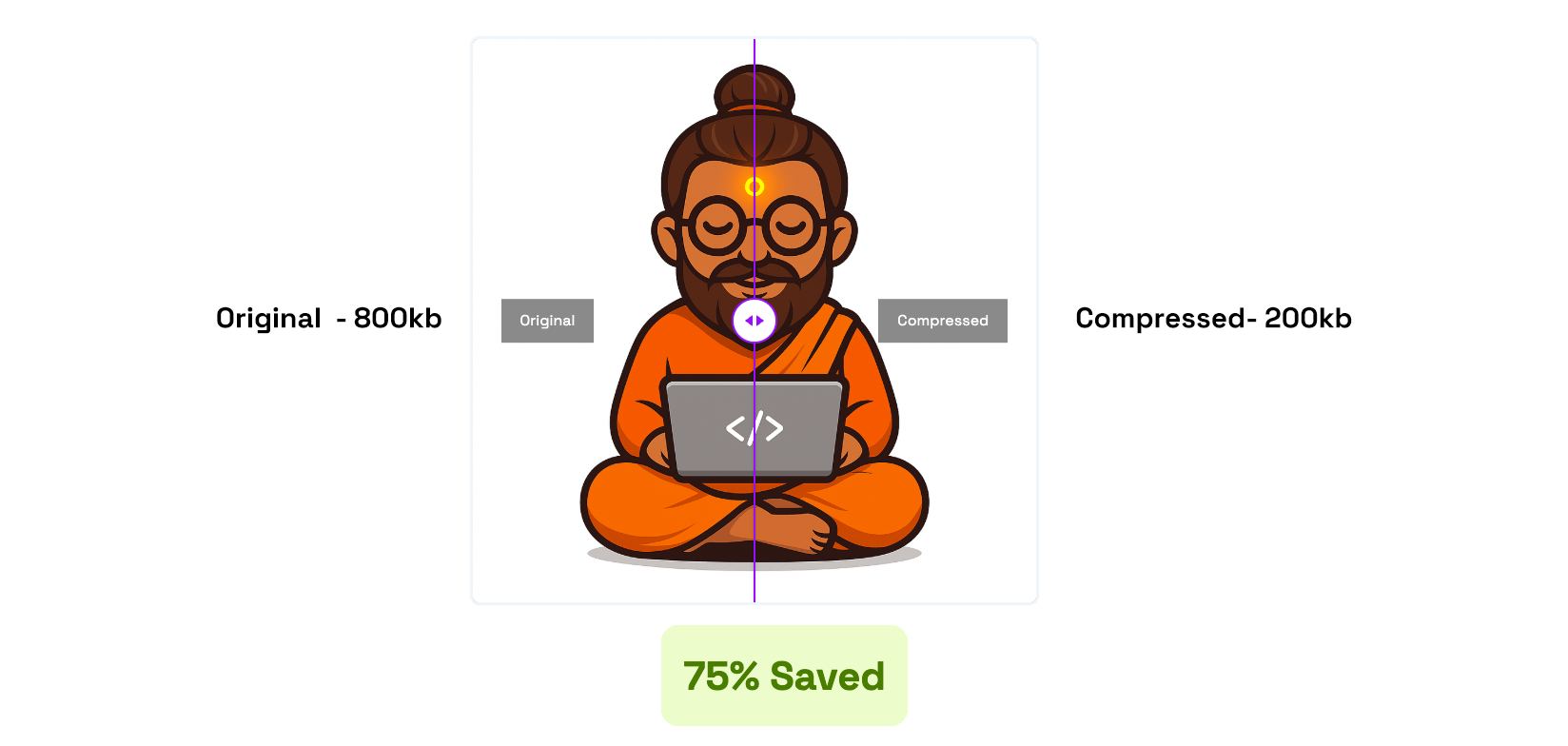
Instantly compress and download the output generated by this tool.
What Our Image Compressor Tool Can Do
- Smart Compression – reduce file size while maintaining sharpness and color accuracy.
- Compare Before & After – preview original and compressed images side by side in real time.
- Multi-Format Support – compress JPG, PNG, WebP, AVIF, and HEIC images seamlessly.
- Bulk Compression – upload multiple images and download them all together as a ZIP file.
- Preserve transparency, detail, and tone for every image automatically.
Why Use FrontendBaba’s Image Compressor?
- Completely Free – no watermark, sign-up, or limits.
- 100% browser-based — your images never leave your device.
- Lightning-fast processing with clean, intuitive controls.
- Ideal for web developers, designers, and photographers.
- Combine it with other FrontendBaba Tools like Format Converter, Resizer, and Cropper for full optimization.
When to Use the Image Compressor Tool
- Before uploading images to your website or blog for faster loading.
- When preparing media for social posts or email campaigns.
- To reduce storage space without losing image quality.
- Anytime you need to optimize multiple images quickly and efficiently.
The Image Compressor Tool by FrontendBaba helps you create optimized, professional-quality images in seconds — no software, no setup, just instant results.
Frequently asked questions
Which image formats can I compress?
The compressor accepts JPG, PNG, WebP, AVIF, and HEIC images up to 15MB each. HEIC files are converted locally in your browser before compression.
Can I compress multiple images together?
Yes. Upload multiple files, review each result, and download all completed images in a ZIP file.
Will image compression reduce quality?
The tool uses balanced automatic compression designed to reduce file size while keeping visual quality useful for the web.
Are my images uploaded to a server?
No. Compression happens locally in your browser, and the processed files are downloaded directly to your device.





Support FrontendBaba
Enjoying these free tools?
A small coffee helps me maintain the tools and build useful new ones.