
Image Format Converter
Upload images in any format and convert them instantly to PNG, JPG, or WebP with live preview and one-click download.
Upload your images
Drag and drop or browse files
Image Format Converter Tool – Convert Between PNG, JPG, and WebP Instantly
Welcome to the Image Format Converter by FrontendBaba — the simplest way to convert images between PNG, JPG, and WebP formats directly in your browser. Whether you’re optimizing images for websites, preparing assets for design, or ensuring compatibility, this tool delivers fast, high-quality conversions with zero effort.
What is an Image Format Converter?
An image format converter changes the file type of an image without affecting its quality or dimensions. This is useful when you need to switch between formats like PNG (for transparency), JPG (for lightweight photos), and WebP (for better web performance).
The FrontendBaba Image Format Converter Tool handles all major formats seamlessly, supports multiple uploads, and lets you download your converted files instantly.
Image Format Converter Tool in Action
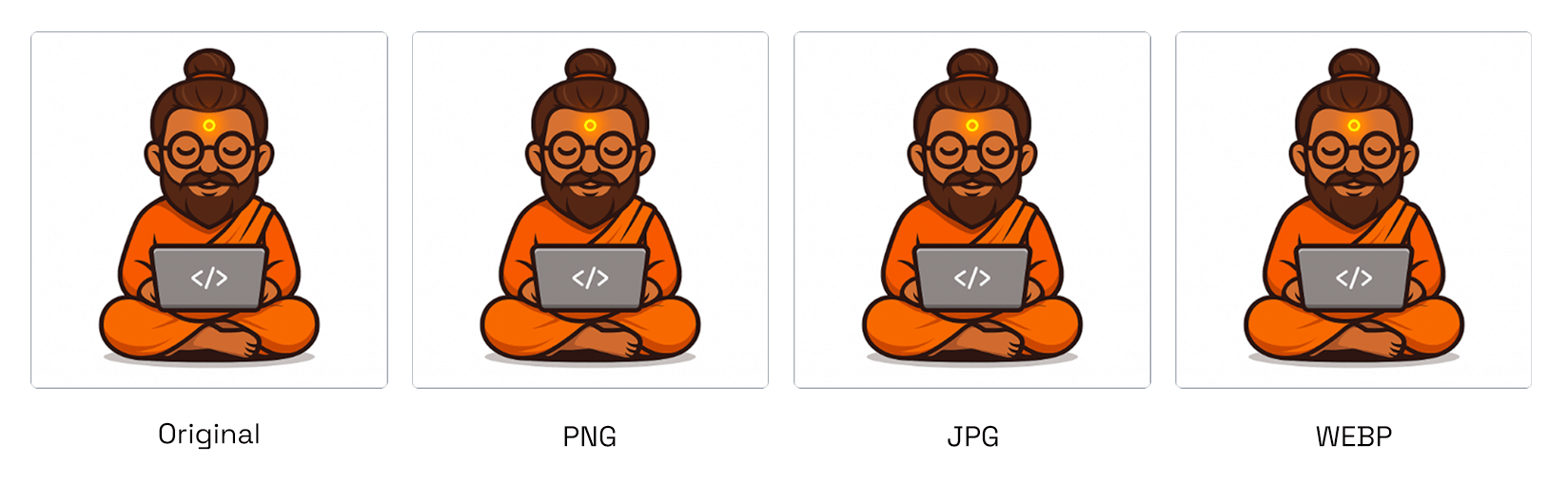
Convert your image between PNG, JPG, and WebP — fast, clean, and accurate.
What Our Image Format Converter Tool Can Do
- Multi-Format Support – upload JPG, PNG, WebP, SVG, or HEIC and convert to a web-friendly format effortlessly.
- Batch Conversion – upload and convert multiple images in one go.
- Fast & Reliable – maintain high quality, color accuracy, and sharpness in every conversion.
- Live Preview – view converted results before downloading.
- Supports both transparent and non-transparent images perfectly.
Why Use FrontendBaba’s Image Format Converter?
- Completely Free – no sign-up, no watermark, and no upload limits.
- Runs fully in your browser — safe, private, and lightning-fast.
- Accurate conversions optimized for web performance and quality.
- Ideal for designers, developers, and marketers handling image assets daily.
- Pair it with other FrontendBaba Tools like Image Compressor, Resizer, and Cropper for complete control.
When to Use the Image Format Converter
- To convert PNGs to JPGs for smaller file sizes.
- When optimizing WebP images for faster website loading.
- To change image formats for social media or design compatibility.
- Anytime you need a quick, reliable image conversion without using Photoshop or other software.
The Image Format Converter Tool by FrontendBaba makes converting between image formats effortless — fast, accurate, and entirely free to use.
Frequently asked questions
Which image formats can I upload?
You can upload JPG, PNG, WebP, SVG, and HEIC images up to 15MB each. HEIC files are decoded locally before conversion.
Which formats can I convert images to?
Images can be converted to PNG, JPG, or WebP.
Can I convert multiple images at once?
Yes. Batch upload images and download individual results or all converted files in a ZIP.
What happens to transparency when converting to JPG?
Because JPG does not support transparency, transparent areas are flattened onto your selected background color.
Does conversion happen in the browser?
Yes. Your files are processed locally and are not uploaded to the FrontendBaba server.





Support FrontendBaba
Enjoying these free tools?
A small coffee helps me maintain the tools and build useful new ones.