
Image Cropper
Upload your image, adjust crop size and position precisely, and download instantly.
Upload your image
Drag and drop or browse a file
Image Cropper Tool – Crop Images Online with Pixel-Perfect Precision
Welcome to the Image Cropper by FrontendBaba — a fast, intuitive tool to crop your images online with exact control over size and position. Whether you’re optimizing visuals for social media, websites, or UI designs, this tool helps you crop images precisely in seconds — no complex software needed.
What is an Image Cropper?
An image cropper allows you to trim unwanted parts of an image to focus on a specific area or maintain the right aspect ratio. It’s essential for creating visually balanced layouts, product images, profile photos, and marketing graphics.
The FrontendBaba Image Cropper Tool offers full control over width, height, and crop position (X, Y), giving you clean, pixel-perfect results instantly.
Image Cropper Tool in Action
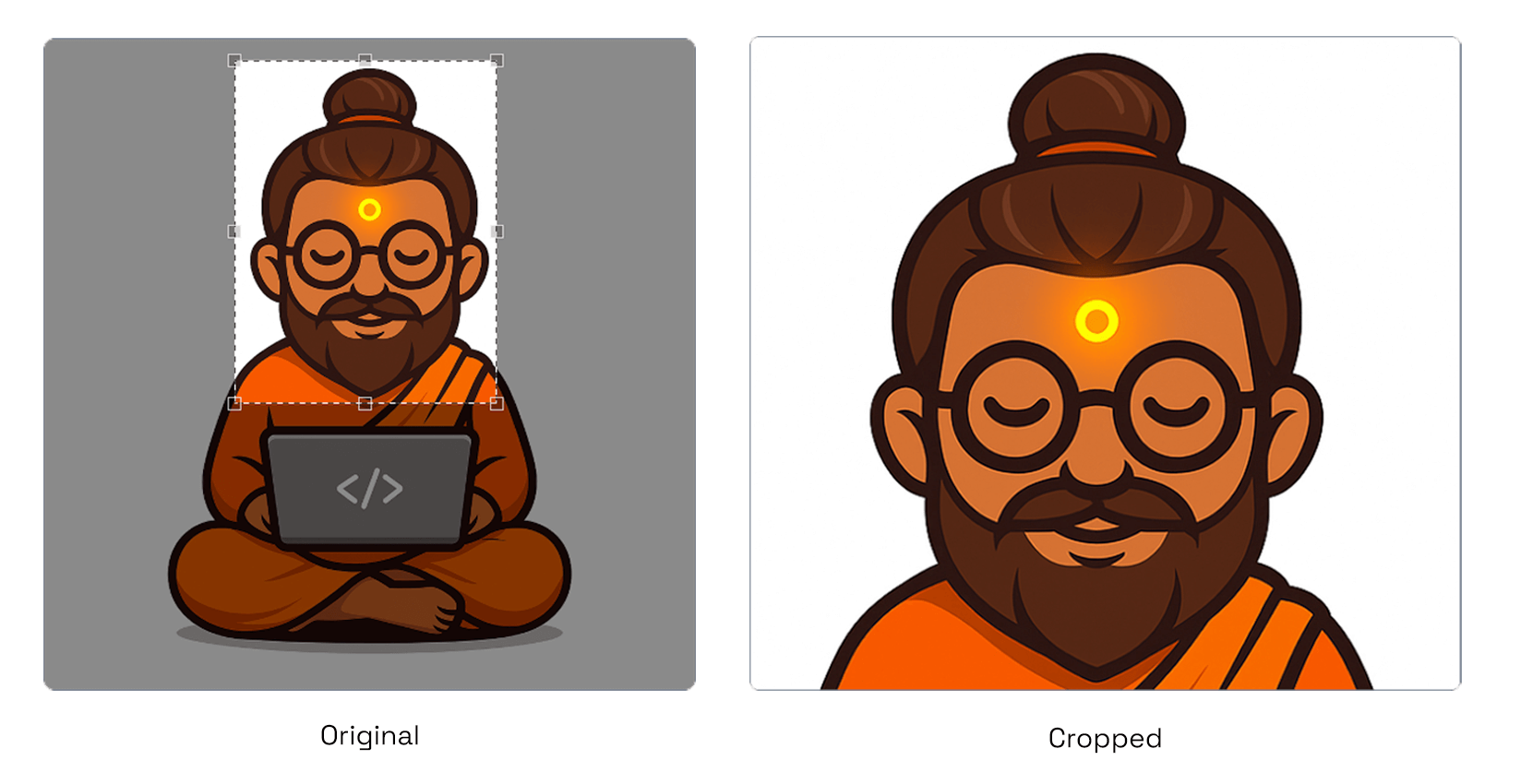
Trim your image precisely to focus on the perfect area or ratio.
What Our Image Cropper Tool Can Do
- Exact Control – set custom crop width, height, and X/Y position for pixel-perfect cropping.
- Live Preview – instantly see how your cropped image will look before saving.
- Quick Export – download the cropped result in the same format as the original image.
- Aspect Ratio Support – maintain consistent proportions for banners, thumbnails, or profile images.
- Compatible with PNG, JPG, WebP, AVIF, and HEIC uploads.
Why Use FrontendBaba’s Image Cropper?
- Completely Free – no watermarks, no sign-up, no limits.
- Works directly in your browser — safe, fast, and privacy-friendly.
- Precision controls for professionals and creators alike.
- Perfect for social media graphics, product photos, and website banners.
- Combine with other FrontendBaba Image Tools like Resizer, Compressor, and Color Extractor for a full workflow.
When to Use the Image Cropper Tool
- To focus on a specific part of an image or remove unwanted areas.
- When creating consistent image sizes for social media or portfolios.
- For trimming UI assets or thumbnails with exact dimensions.
- Anytime you need professional cropping results quickly and easily.
The Image Cropper Tool by FrontendBaba gives you total control over image framing — making precise, professional cropping effortless for everyone.
Frequently asked questions
Can I crop an HEIC image?
Yes. HEIC and HEIF files are converted locally in your browser before the crop editor opens.
Can I crop an image using exact pixel values?
Yes. Set crop width, height, X position, and Y position for precise control.
Can I select the crop visually?
Yes. Drag and resize the crop area directly on the image; the pixel inputs update with it.
Does cropping use the original image resolution?
Yes. The final crop is calculated from the natural dimensions of the uploaded image.
Are uploaded images stored online?
No. Cropping takes place locally in your browser and the result is downloaded to your device.





Support FrontendBaba
Enjoying these free tools?
A small coffee helps me maintain the tools and build useful new ones.